N-01
Written where you stand
The editors open in place on the front end, so posting a notice does not mean hopping into the WordPress dashboard and back out again.

Mark a notice urgent and it scrolls across the top of every screen until the moment you choose. A notice that needs a refresh is not urgent, so it arrives on its own.
Post it, and it is on the screen in the office and the phone in the van. Set the moment it should stop and it takes itself down, so nobody is still reading about last Tuesday's car park closure in March.
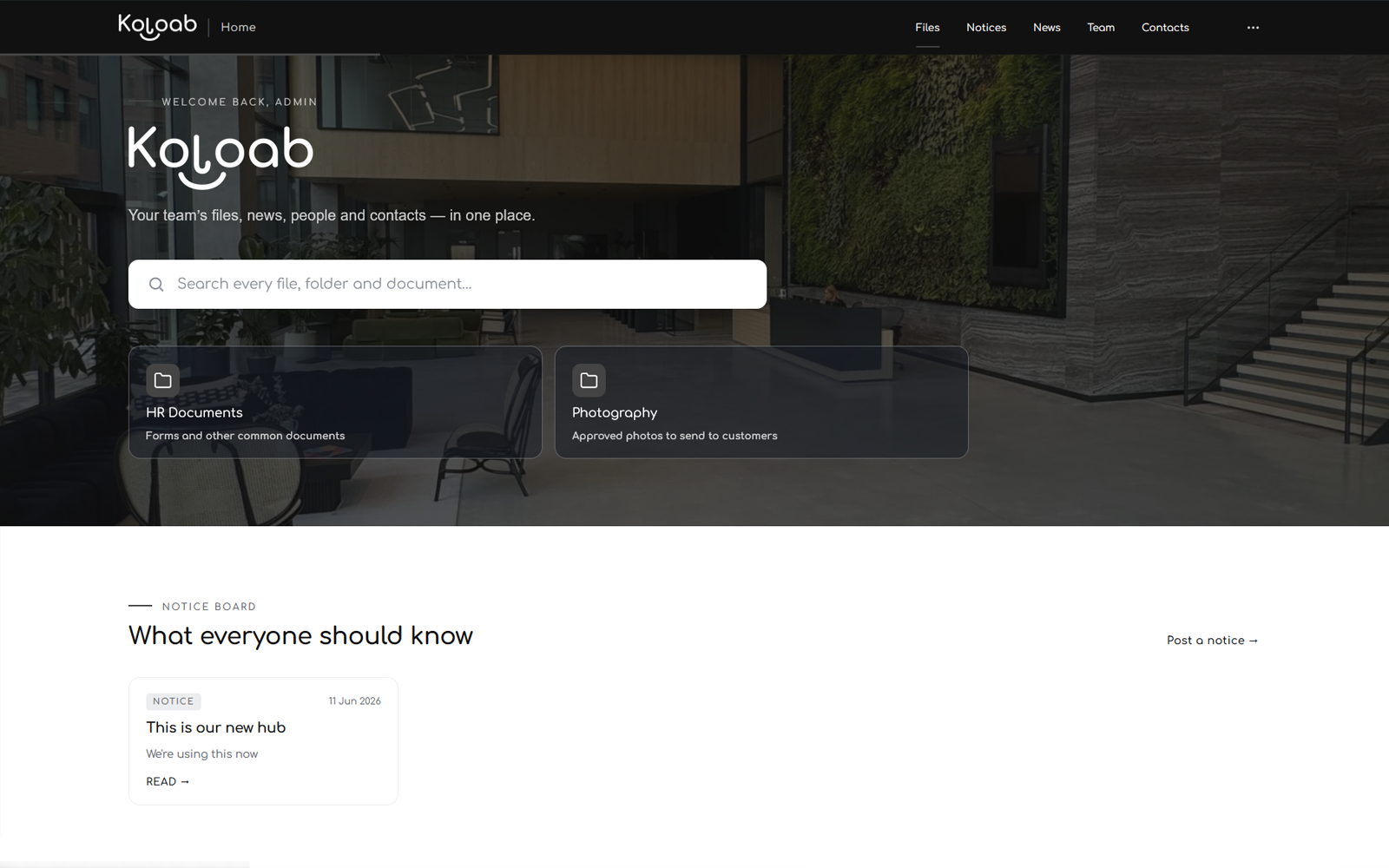
Very little deserves a banner. Company news takes everything else: the new starter, the shutdown dates, the change to the returns process that you will otherwise explain four separate times before Friday.
The editors open in place on the front end, so posting a notice does not mean hopping into the WordPress dashboard and back out again.
Send a notice or an article to the departments it concerns. The rest of the team is left alone, which is how they keep reading the ones that do reach them.
Anything posted while somebody had the workspace open collects under a bell. The list survives a refresh, and each row opens the thing it is about.
If it really does need to land in email as well, one tick box sends it to the whole team.
Give an urgent notice the moment it should stop and it stops then. Nobody has to remember to take it down.
The notice board is in the free Starter tier. Company news and the urgent scrolling banner in your own colours come with Standard.
Folders that behave like folders, previews in the browser, and a search that reads what is printed inside the documents.
A staff directory, invites by email, and a book of the outside numbers everyone keeps losing.
Its own login, download links that expire, and locks checked on the server rather than hidden with CSS.
One admin screen for files, folders, people, news and every setting, with the figures alongside.
Put it somewhere everyone can see it, including the people who never open email until Thursday. Starter costs nothing and includes the notice board.