L-01
Previews, no download
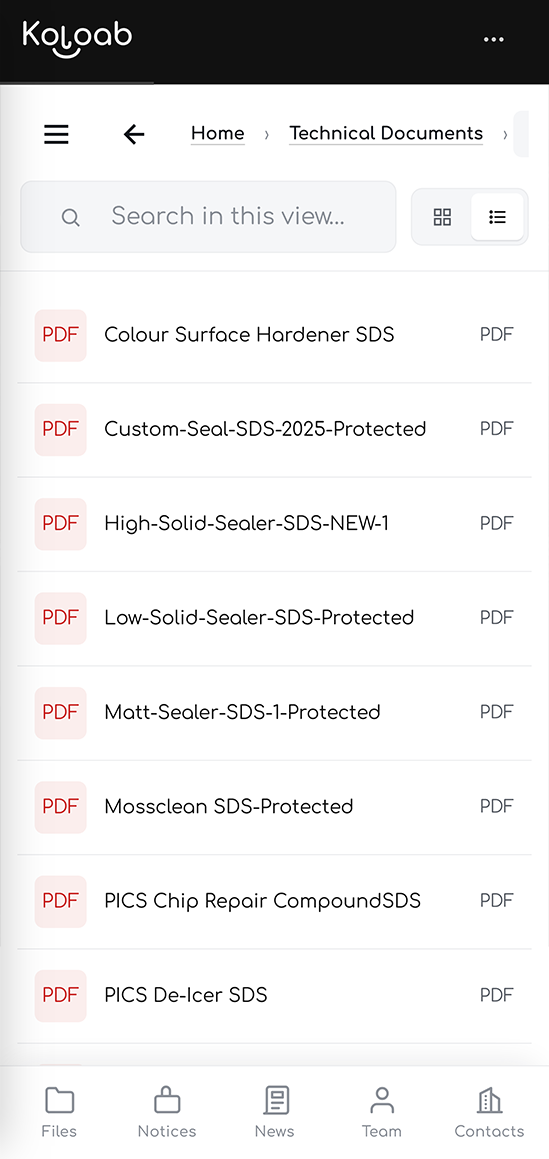
PDFs, images, video, audio and spreadsheets open full screen in the browser, with a workbook showing its sheet tabs. Nobody has to fill up a phone with copies of the price list to read it once.

Folders down the side, files in the middle, and a search box that reads the pages rather than the file names.
Drag files in and drop them where they belong. There is nothing to learn here, which is deliberate: the people who need a data sheet at half past seven in the morning are never going to sit through training on how to get one.
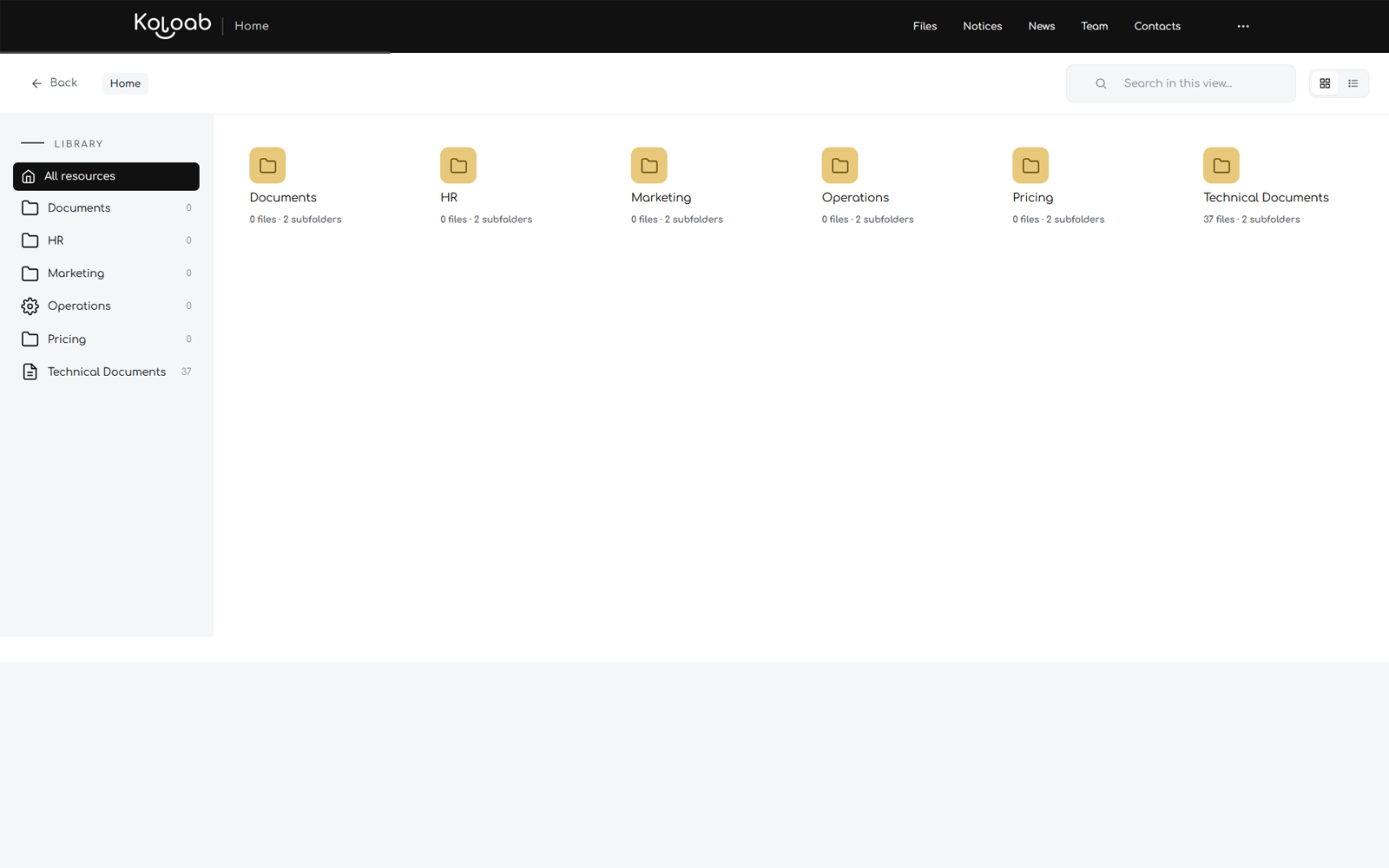
Searching by file name only works if whoever uploaded it named the file well, and they did not. On Premium the search reads the text inside PDFs and Office documents, so a data sheet turns up because of a number printed on page four of it.
PDFs, images, video, audio and spreadsheets open full screen in the browser, with a workbook showing its sheet tabs. Nobody has to fill up a phone with copies of the price list to read it once.
Tick a few files and send the lot in one go. On a phone that is the normal share sheet, so they go out through WhatsApp or email the same way any other file would.
On a desktop, sharing builds a real email draft with the files already attached, so the person at the other end receives a document rather than a link.
Limit a file to certain departments or certain people, or put a password on it. Every check runs on the server, before the file is sent, so opening developer tools achieves nothing.
Handbooks and policies stream into a reader with no download button and no file URL anywhere in the page. People can read them; they cannot walk off with them.
Starter keeps ten files. Standard makes that unlimited and adds bulk download, bulk sharing and department locks. Premium adds in-document search, file passwords, per-person visibility and read-only Policies.
The people who need a document most are rarely sitting at a computer. Every screen is built for a thumb as well as a mouse: a bottom tab bar, long-press menus, targets you can hit with cold hands.
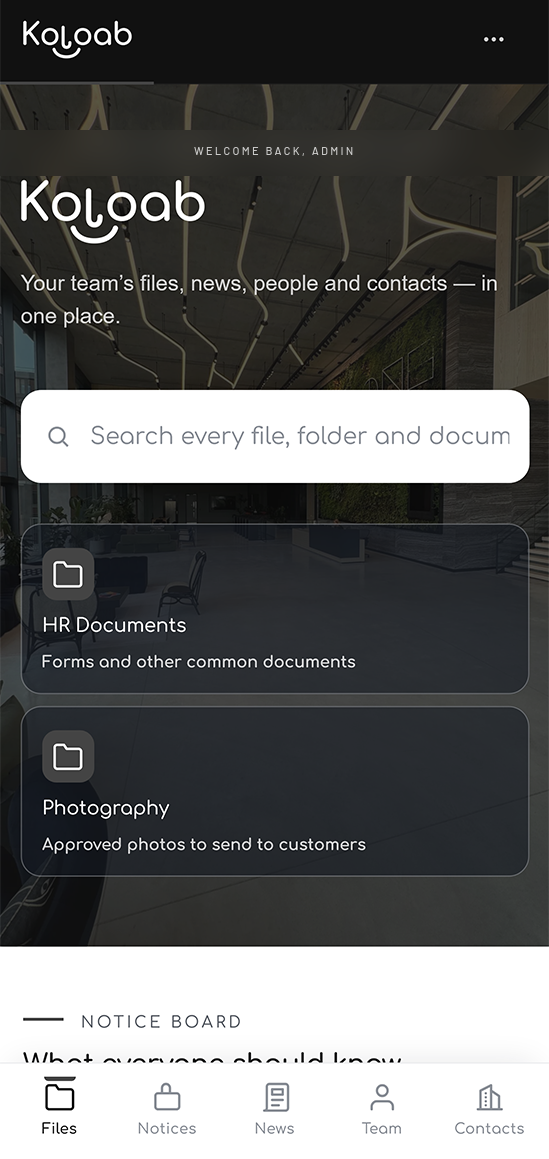
Urgent notices that scroll across every screen and arrive without anyone reloading anything. Company news for the longer pieces.
A staff directory, invites by email, and a book of the outside numbers everyone keeps losing.
Its own login, download links that expire, and locks checked on the server rather than hidden with CSS.
One admin screen for files, folders, people, news and every setting, with the figures alongside.
Ten files cost nothing and stay free forever. That is usually enough to find out whether anyone actually uses it, which is the only question that matters.