C-01
In the free tier
The Command Centre and its analytics come with Starter. They are not held back until somebody pays, because you cannot run an intranet you cannot see.

Files, folders, tags, a recycle bin, news, people, accounts, analytics and every setting, in one place that is not the WordPress dashboard.
That person is almost never the one who installed it. So the Command Centre is written in plain words, keeps everything on one screen, and never sends anybody off into the WordPress dashboard to finish a job it started.
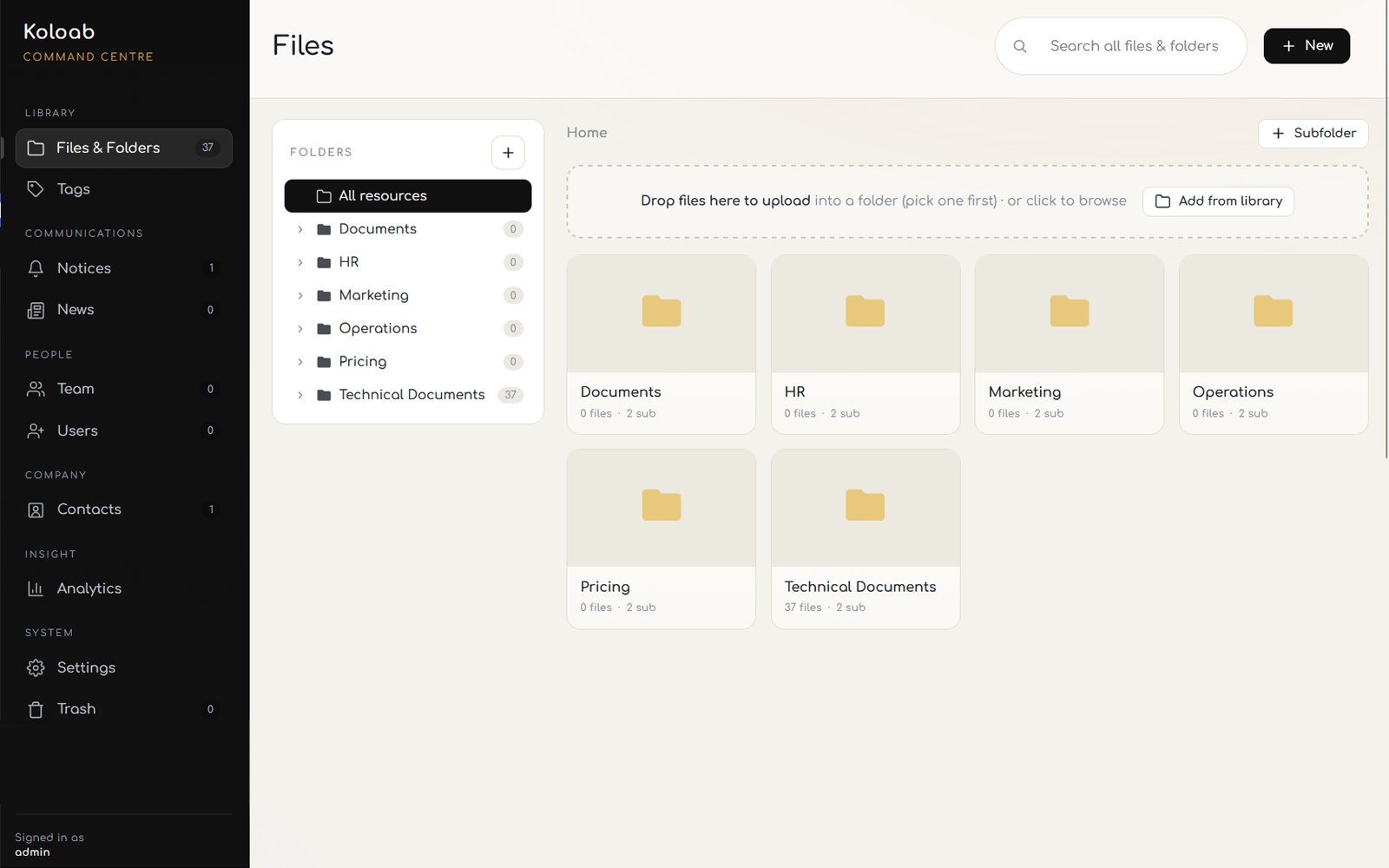
Analytics sit in the same screen as everything else, and they are there for one practical purpose: working out whether the document the whole company wants is one tap away or three folders deep with the wrong name on it. Then you move it.
The Command Centre and its analytics come with Starter. They are not held back until somebody pays, because you cannot run an intranet you cannot see.
Reorganise the whole library from one screen, and pull anything back out of the recycle bin if the reorganising went badly.
Uploads and moves can be taken back. Filing is done in a hurry, usually while somebody is waiting on the phone.
Invites, departments and who can see what, in the same place as the files those permissions apply to.
Branding, security, departments, news and the rest of it, without hunting through the WordPress menus.
Starter includes the Command Centre and analytics in full. Premium adds your logo, colours and a choice of 12 fonts, plus the Spotlight builder.
Folders that behave like folders, previews in the browser, and a search that reads what is printed inside the documents.
Urgent notices that scroll across every screen and arrive without anyone reloading anything. Company news for the longer pieces.
A staff directory, invites by email, and a book of the outside numbers everyone keeps losing.
Its own login, download links that expire, and locks checked on the server rather than hidden with CSS.
Install the plugin, run the setup wizard, and the Command Centre is there with everything in it. Nothing to pay until you outgrow ten files.